The quickest way to check a merchant's MCC in the UAE before you pay is to look the outlet up in Kredit Nearby. Find the shop on the map or by name, confirm the exact branch, and Nearby shows its merchant category code, how sure that code is, and the card in your wallet that earns most there.
That matters because your card's reward category is decided by the MCC, not by what the shop looks like. A café can post as a restaurant or as fast food, a pharmacy counter inside a supermarket can post as either, and the cashback rate follows the code.
What an MCC decides
A merchant category code is a four-digit number the merchant's payment provider assigns to each outlet. Your bank reads it to decide whether a payment counts as dining, groceries, fuel or general spend. If you want the full background, including which codes cause the most surprises, read our guide to MCC code issues.
The practical problem is timing. The code only appears once the payment has posted, and by then you have already chosen the card.
How to check a merchant's MCC before you pay
Kredit Nearby moves that check to before the payment.
- Find the outlet. Use your location to see merchants around you, or search by merchant name and branch.
- Confirm the exact outlet. Outlets of the same brand can carry different codes, so Nearby asks you to pick the branch you are standing in before it calculates anything.
- Read the result. You see the MCC and its category, a confidence label, the card that earns most at that outlet, and any linked offers.
What the confidence labels mean
Every merchant in Nearby carries one of three labels:
- Verified: confirmed by Kredit from real transaction data.
- Observed: reported by users. The transaction may post under a different MCC.
- Estimated: inferred from the merchant type.
When a code is not verified, Nearby also shows a backup card: one that still earns well if the payment posts under a different category.
Example: PAUL at Mall of the Emirates
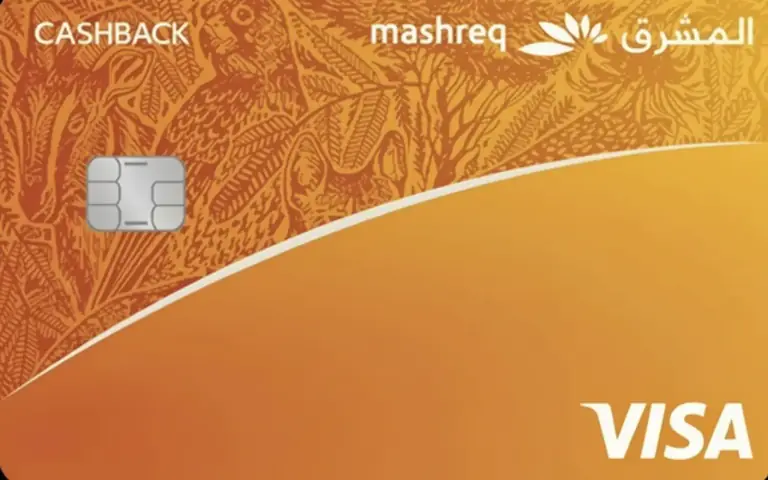
PAUL Le Café at Mall of the Emirates is listed in Nearby under MCC 5812, Eating Places and Restaurants, labelled Verified. Among cards with no annual fee, the Mashreq Cashback Credit Card pays 5% cashback on dining there.
A second PAUL outlet in the same mall is verified under MCC 5814, Fast Food Restaurants. Same brand, same mall, different code. Kredit groups fast food under dining, so the Mashreq result is the same at both. A card whose dining rate covered only restaurant codes would treat the two payments differently, which is why Nearby makes you confirm the outlet first.
Your cards first
Save the cards you hold in My Cards and Nearby ranks those first, so the answer is the best card already in your wallet. With no cards saved, it compares the wider UAE catalogue instead.
Nearby runs in the browser. Add it to your home screen and it opens straight to the map, which is the fastest way to use it at a till.
Other ways to find an MCC
- After the payment: some banking apps show the merchant category on a posted transaction. It confirms the code, but only once you have already paid.
- Asking at the till: staff rarely know the code, because the payment provider sets it, not the shop.
- Business MCC lists: they tell you what a code means, not which code a specific outlet uses.
For the outlet in front of you, Nearby is the one that answers before you pay. The overview of Kredit Nearby explains how the codes are sourced.
Find the best card nearby on Kredit.ae.
Kredit provides informational content only and does not offer financial advice. We do not guarantee accuracy and recommend consulting a licensed financial professional before making decisions.